Facebook Image Sizes: How to Optimize Photos for Upload
Translated from the Korean original. Read the original →
The 1280px size seems to be a recent addition. You can't upload photos narrower than 720px, and however high-quality your original is, it ends up at 2048px anyway, so there's no point preparing anything bigger than that for Facebook. On top of that, if a 2048px (long side) photo is a large file, Facebook runs its own lossy compression on it. Then again, a company like Facebook is probably using close to the latest image processing tech out there, so there's no need to compress your photos beforehand. Bottom line: no matter how high-res your photos are, Facebook just won't keep them that way (it takes videos happily enough, so why is photo file size such a big deal?).
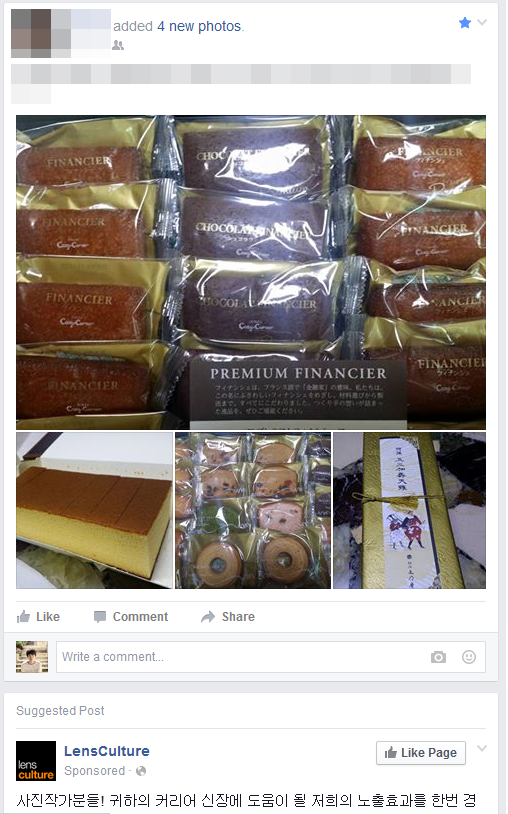
I just logged into Facebook and saw that my friend SM had posted a bunch of photos of delicious-looking Japanese snacks. If you click on one,
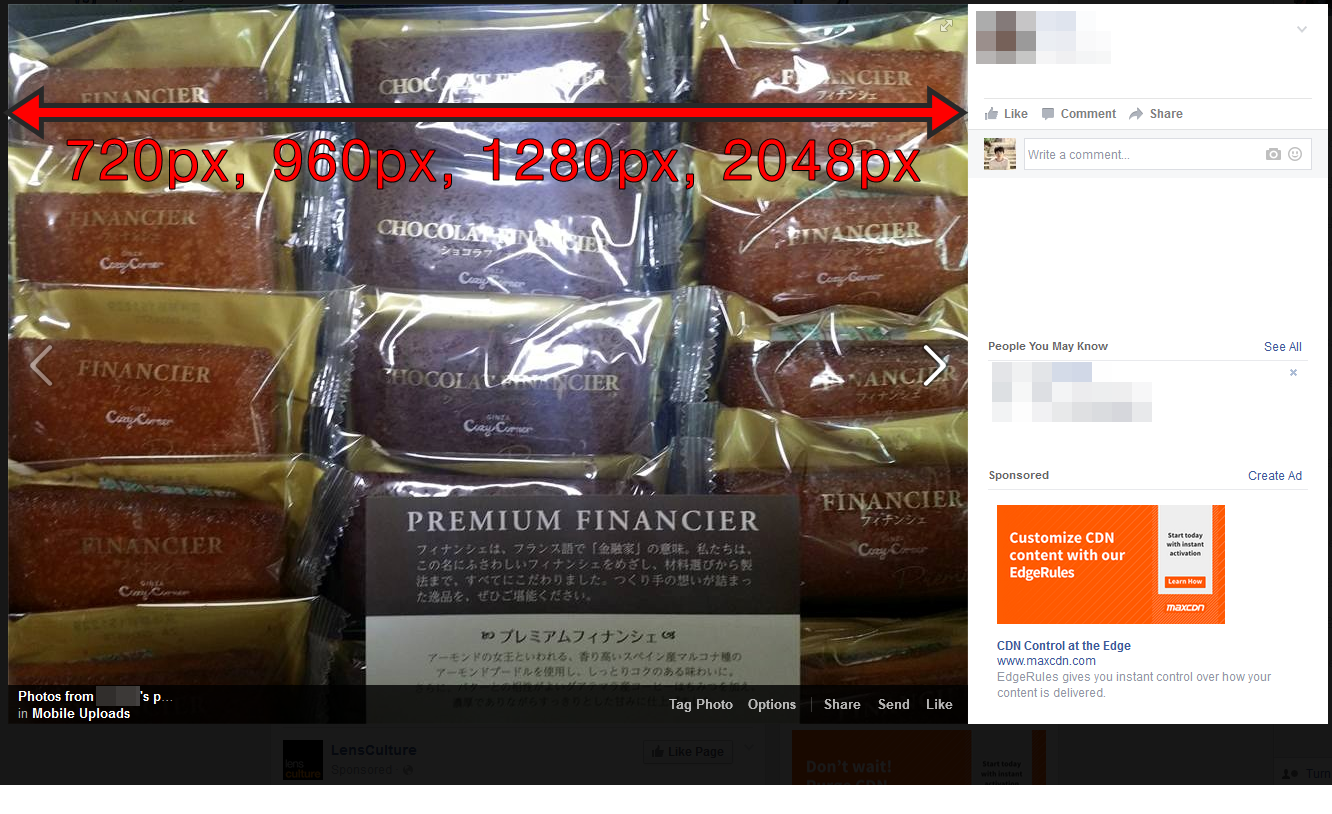
you can see that the smartphone photo was converted to 720px. Timeline cover photos are always converted to 851px * 315px. Upload something bigger and it gets cropped or resized automatically, but anything narrower than 851px won't be accepted.

Well, as long as the photos upload fine, that's all that really matters... The cropped sizes shown on the timeline vary all over the place, so check here for details.
More in Others
See all- Hongdae Walking Street and the Back Alleys of Hongdae, Seoul
- Exploring Hongdae with the Sigma 18-35mm f/1.8 "UFO" Lens
- Facebook Image Sizes: How to Optimize Photos for Upload
- How to Upload a Facebook Profile Picture at Full Size (Without Cropping)
- Hongdae Cafe Street at Dawn with the Canon 85mm f/1.8 ("Baby Dumpling")
Comments 0