How to Upload a Facebook Profile Picture at Full Size (Without Cropping)
Translated from the Korean original. Read the original →
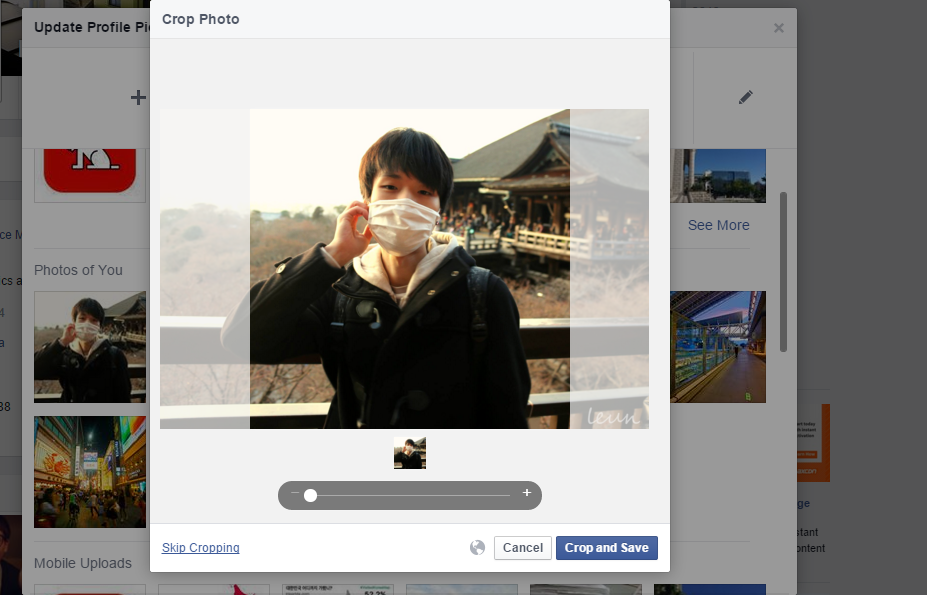
Huh? I'm pretty sure profile pictures used to go up at their original size. Looks like Facebook changed how this works. If you upload it this way, clicking your profile picture won't bring up the original photo, only the version cropped to a square. Here I'll show you how to make the photo that opens when someone clicks your profile picture keep its original aspect ratio, at up to 2048px wide.
First, on a PC, open "mbasic.facebook.com" in your web browser. This brings up the basic mobile version of Facebook. From there, click Profile - Edit Profile as shown below.
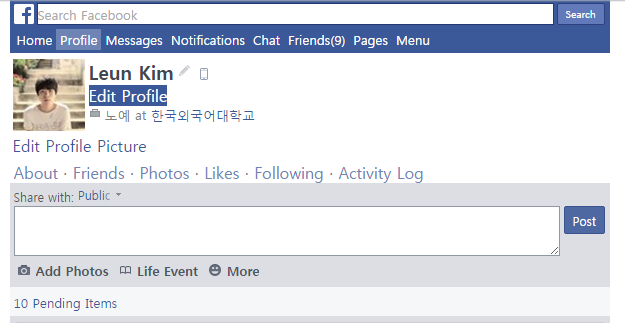
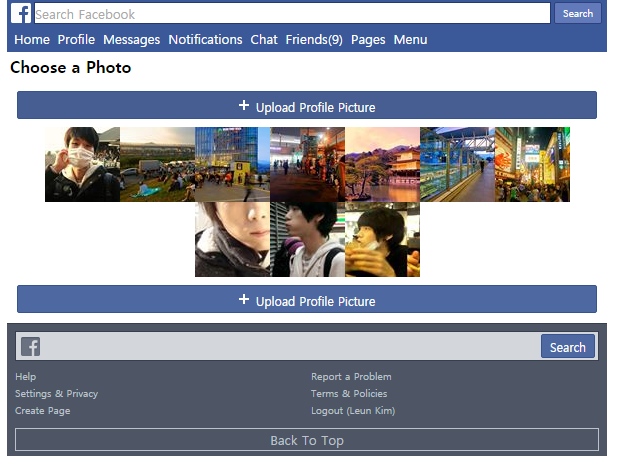
Next, click Edit Profile Picture, then click Upload Profile Picture as shown below and upload a photo at whatever size you like. That's it.
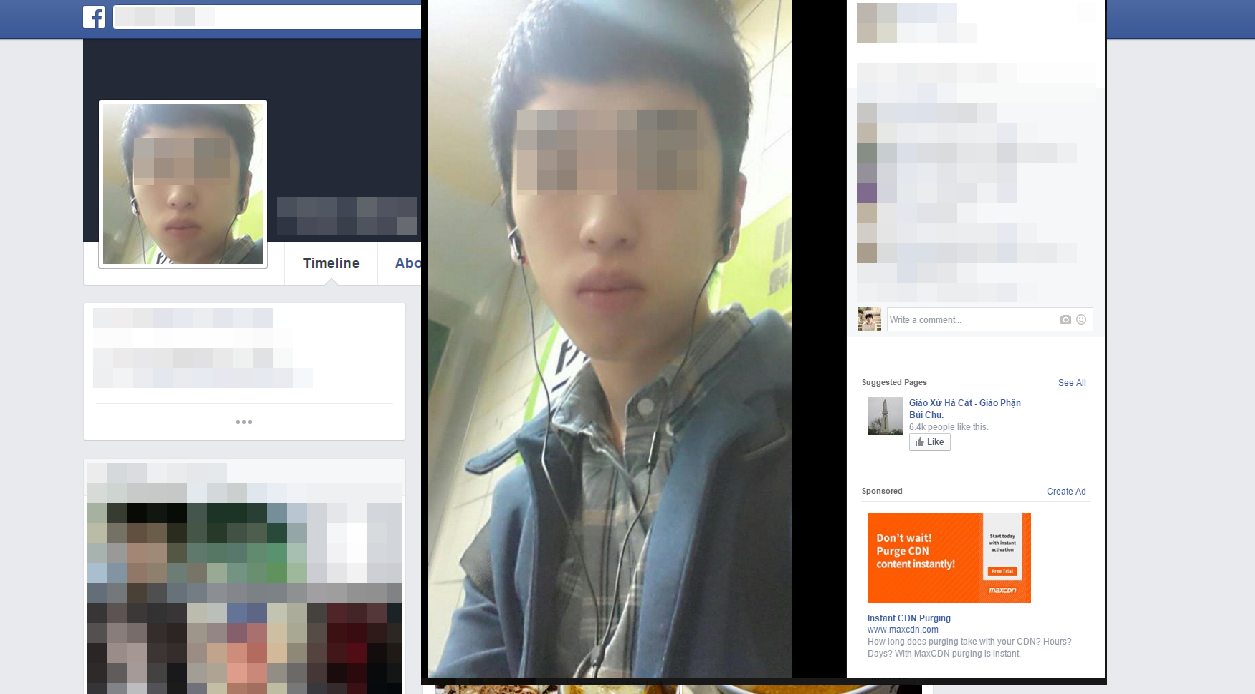
Now, as you can see below, when someone clicks your Facebook profile picture, it shows up at the original size you uploaded.
I found this trick by googling. To be specific, I picked it up from a video someone had posted on YouTube:
It works pretty much the same way on mobile, but not in the Facebook app. Just open Safari or Chrome, log in to Facebook, and repeat the steps above. I think Facebook changed this around 2013. People who changed their profile picture before then still have it showing at the ratio they uploaded, but if you've changed yours since, clicking it usually just shows a square photo...
More in Others
See all- Exploring Hongdae with the Sigma 18-35mm f/1.8 "UFO" Lens
- Facebook Image Sizes: How to Optimize Photos for Upload
- How to Upload a Facebook Profile Picture at Full Size (Without Cropping)
- Hongdae Cafe Street at Dawn with the Canon 85mm f/1.8 ("Baby Dumpling")
- How to Remove Chromatic Aberration (Purple Fringing) in Photoshop
Comments 0