How to Make a Favicon Easily with favicon.cc
Translated from the Korean original. Read the original →

There are quite a few sites that let you make a favicon easily, but if I had to pick the best-known one, it would probably be favicon.cc. A favicon is kind of like the face of your website, so if you have some time, give it a try! On favicon.cc you can draw your own 16×16 px favicon from scratch, or import an image file and turn it into one.
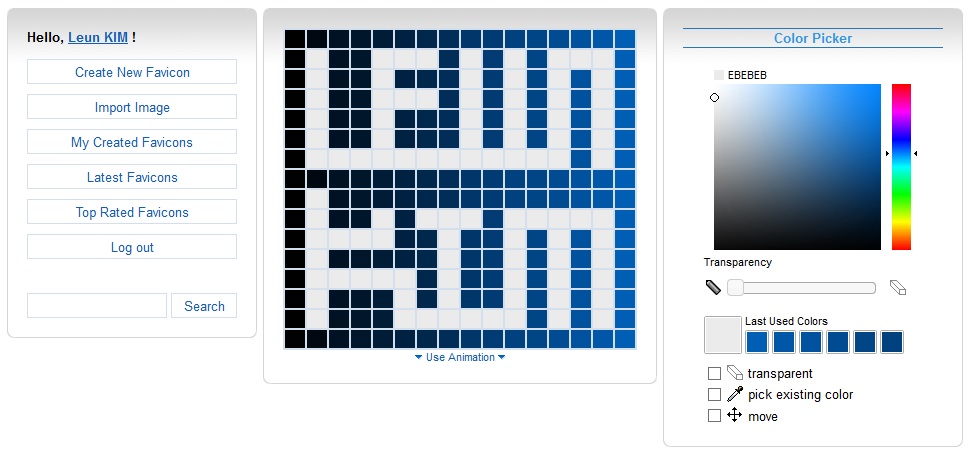
When you first open the site, you'll see a color palette on the right and a transparent 16×16 px canvas, like in the screenshot above. Now just pour all your artistic talent into it and make your favicon!
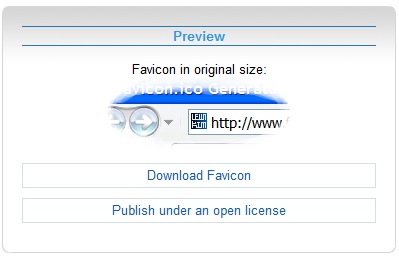
While you work, there's also a preview box that shows your favicon live as you draw, as you can see above.
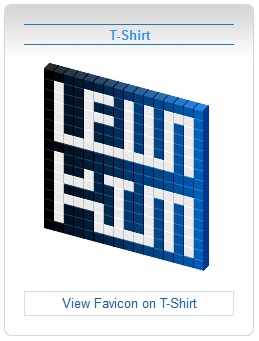
I also see a box that says "T-shirt." I don't think that used to be there. Shall we click it?
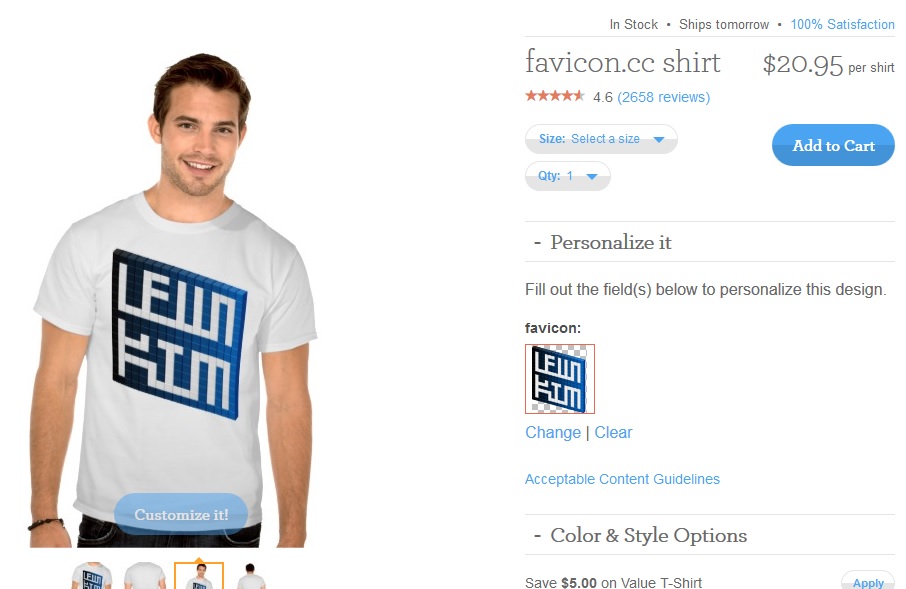
Hmm... It even has a rather pointless-looking feature that lets you buy a T-shirt with your own favicon on it for $20.95. lol
Finally, putting the favicon you made on your website is really simple. First, upload your favicon.ico file to your site's root directory (for WordPress users, that's where folders like wp-content are). Then, in header.php, add the following code between $< $head$>$ and $< $/head$>$:
<link rel="shortcut icon" href="/favicon.ico" type="image/x-icon">
That's it. Sometimes, even after you replace your current favicon with a new file, some browsers don't pick up the change. In that case, you can force the browser to update the favicon by inserting this code instead of the one above:
<link rel="shortcut icon" href="/favicon.ico?v=2" type="image/x-icon">
And you're done!
More in Blog Tips
See all- Chrome User-Agent Switcher: See How Your Site Looks in Other Browsers and on Mobile
- How I Sped Up My WordPress Blog: 9 Things I Tried(5)
- How to Make a Favicon Easily with favicon.cc(7)
- Easy Columns: An Easy Way to Add Columns in WordPress(9)
- The Ups and Downs of My Tistory Blog: Visitor Stats Over Three Years(6)
Comments 7
글 잘 보고 갑니다. 전 사이트는 만들어봐도 파비콘을 만들어 본 적이 없네요.ㅋㅋ 추가로, 브라우저들은 새로운 사이트에 들어가게 되면 항상 /favicon.ico (루트 폴더)에 request를 합니다. 그런데 아이콘이 없는 경우 404(Not Found)가 뜨죠. 그러면 브라우저에서는 조금의 지연이 발생하고, 서버 측에서는 당연히 에러로 간주하고 에러 로그에 쌓이게 되죠. 그게 사이트 운영해보신 분들은 알겠지만 404, 등…. 로그파일이 몇 기가가 넘게 되면서 또 저하가 오고요. 그래서 파비콘 에러는 로그에서 빼는 분들도 있지만, 하여튼 그냥 우리 모두 예쁜 파비콘 만들어요. :)
잠이 안 와서 주저리주저리 떠들어 대다 갑니다.
그렇군요, 그러면 favicon을 만들고 싶지 않으신 분들도 하다못해 비어있는 favicon.ico 파일을 root에 올려 두는게 좋겠군요!
이 시간에도 안 주무시고 공부하시나 봐요. :cry: 저도 공부 열심히 해야겠어요!ㅠㅠ
아닙니다, 그저 잉여롭게 웹을 누비고 있었지요 OTL. 그럼 이제 좀 눈을 붙이러..
B
Strike
Strong
EM
Italic
죄송합니다..ㅠㅠ 이 블로그는 지원하는지 확인차; 이 댓글은 지워주시면 감사하겠습니다.
마지막으로, <head> </body>. 정말 죄송합니다. :cry:
괜찮습니다, 뭐 굳이 삭제할 필요가 있을까요? 아, 아쉽게도 $< $b$>$ 태그는 HTML5 에서는 되도록 쓰지 말라고 하더군요.