Chrome User-Agent Switcher: See How Your Site Looks in Other Browsers and on Mobile
Translated from the Korean original. Read the original →
Here's a Chrome extension called Chrome User-Agent Switcher. With so many web browsers around these days, checking how your website looks in each one is a real pain, isn't it? (Especially IE...) This extension only works in Chrome, but with a single click you can see your site the way almost any browser would show it.
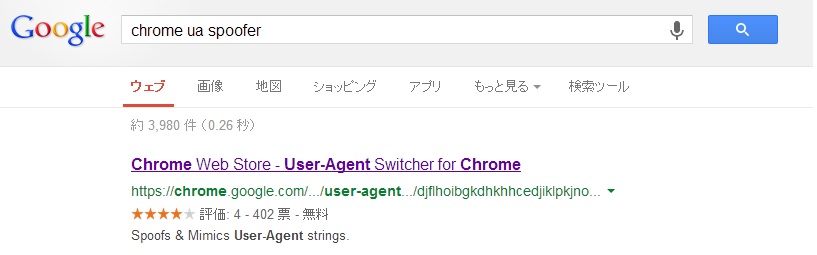
First, open Chrome and search Google as shown above. Click the link and install Chrome User-Agent Switcher,
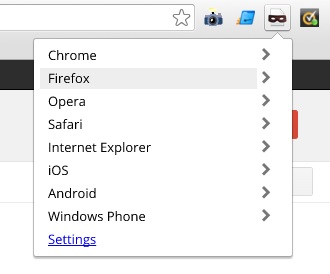
and a little glasses icon shows up, as you can see above. For IE, you can check everything from version 6 to 10. That said, my page apparently displays just fine even in IE6, which makes me a little suspicious...
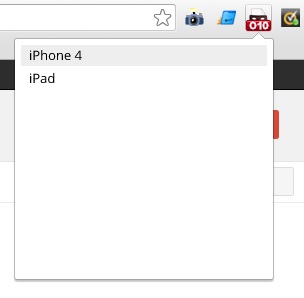
It also supports devices like the iPhone 4 and the iPad. I recently tried optimizing my blog for mobile, so let's take a look.
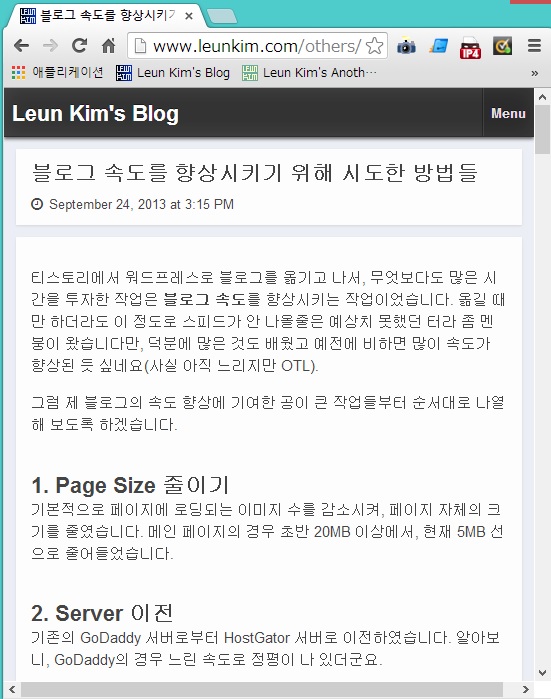
I'm still using a feature phone, so this is how I checked what my site looks like on a smartphone. There's such a flood of devices with different screen sizes these days, and a website has to fit every one of them. Anyone running a blog must be pretty worn out by now.
Comments 0