How to Reduce ttf, eot and woff Font File Size
Translated from the Korean original. Read the original →
Today I trimmed down mplus-1p-regular.ttf, a Japanese font that was taking up a whopping 1.3MB. To be fair, it's probably already one of the lightest Japanese fonts that include kanji (there are fonts as small as 10kB that cover only hiragana and katakana, but then the kanji look pretty awful...).
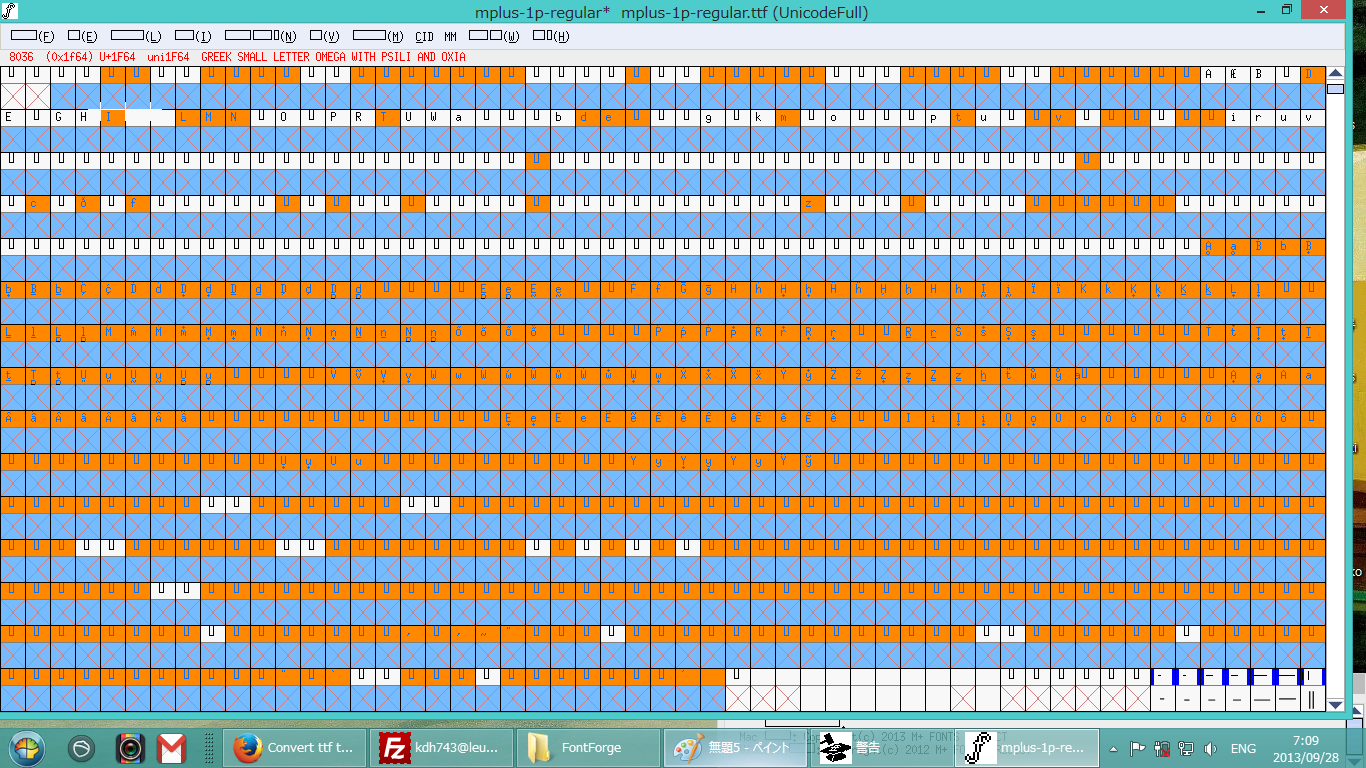
First, download FontForge, a program for editing fonts. I installed it, launched it, and opened mplus-1p-regular.
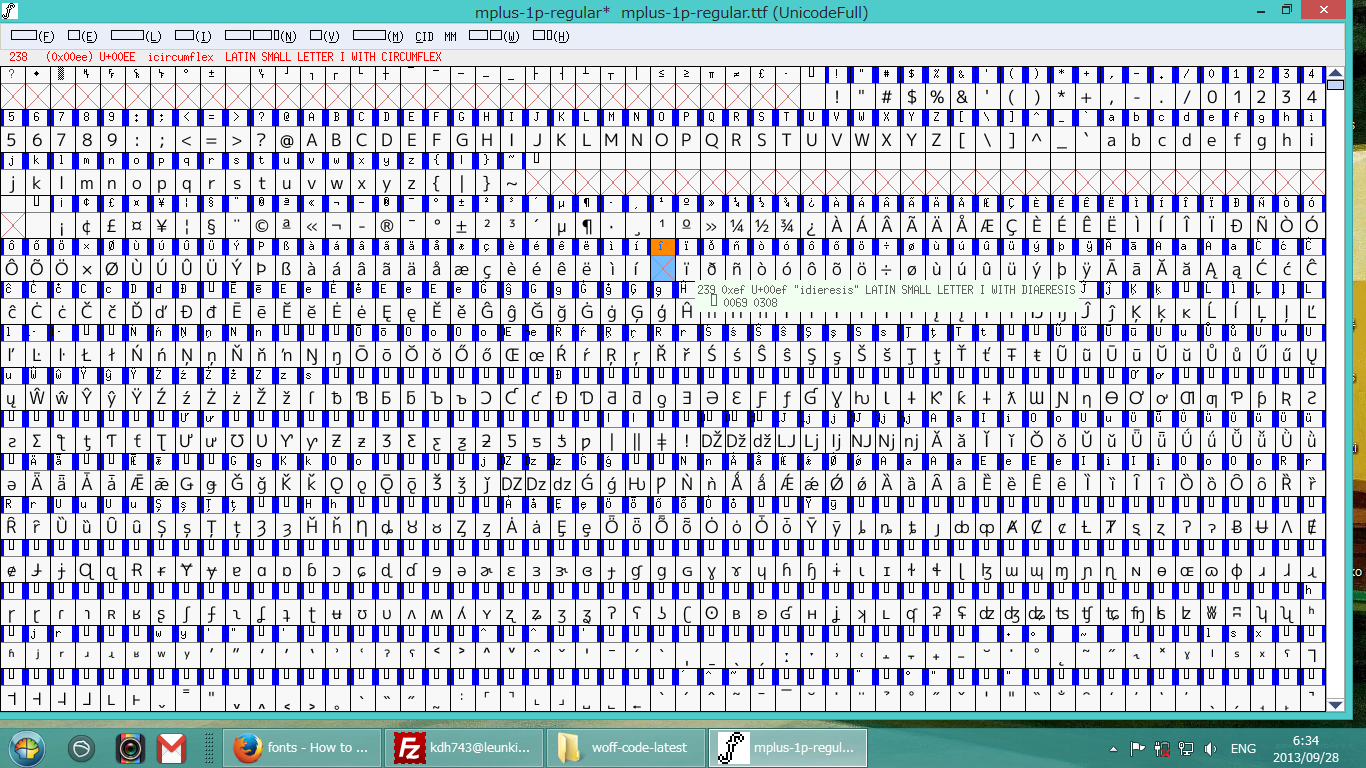
This is what you get. But wait, there are lots of characters scattered around that I've never seen in my life and will hardly ever use. So I decided to start by deleting those.
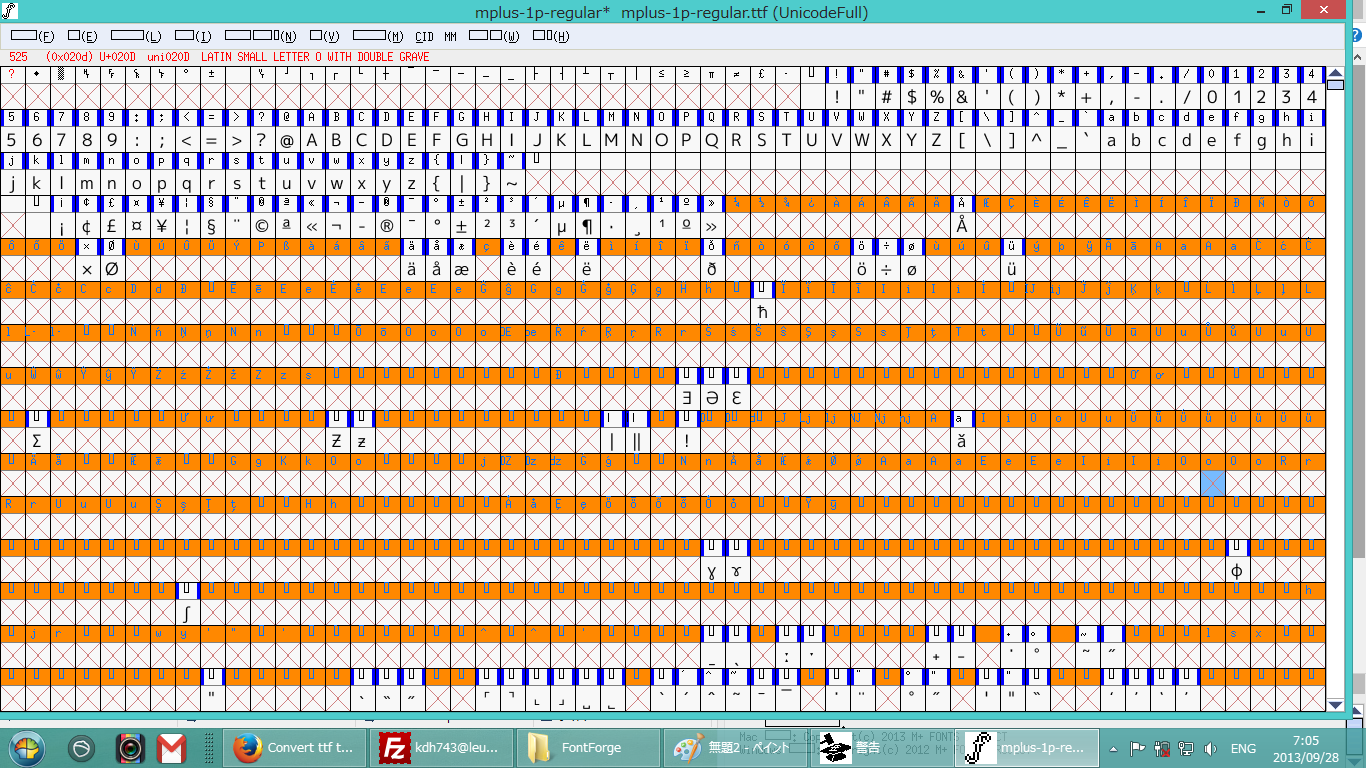
I deleted everything except a few characters I felt a little sorry to lose. Since my site loads Tahoma first anyway, I probably could have deleted everything except hiragana, katakana and kanji, but I kept the basic stuff just in case.
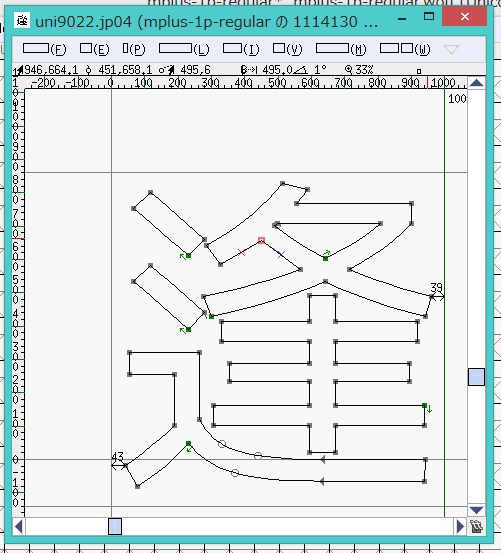
While I was busy deleting, I accidentally double-clicked a character and this window popped up. You can almost feel the sweat and struggle of the font designer... And if you click and drag those vectors, you can actually change the design of the font yourself. Wow.
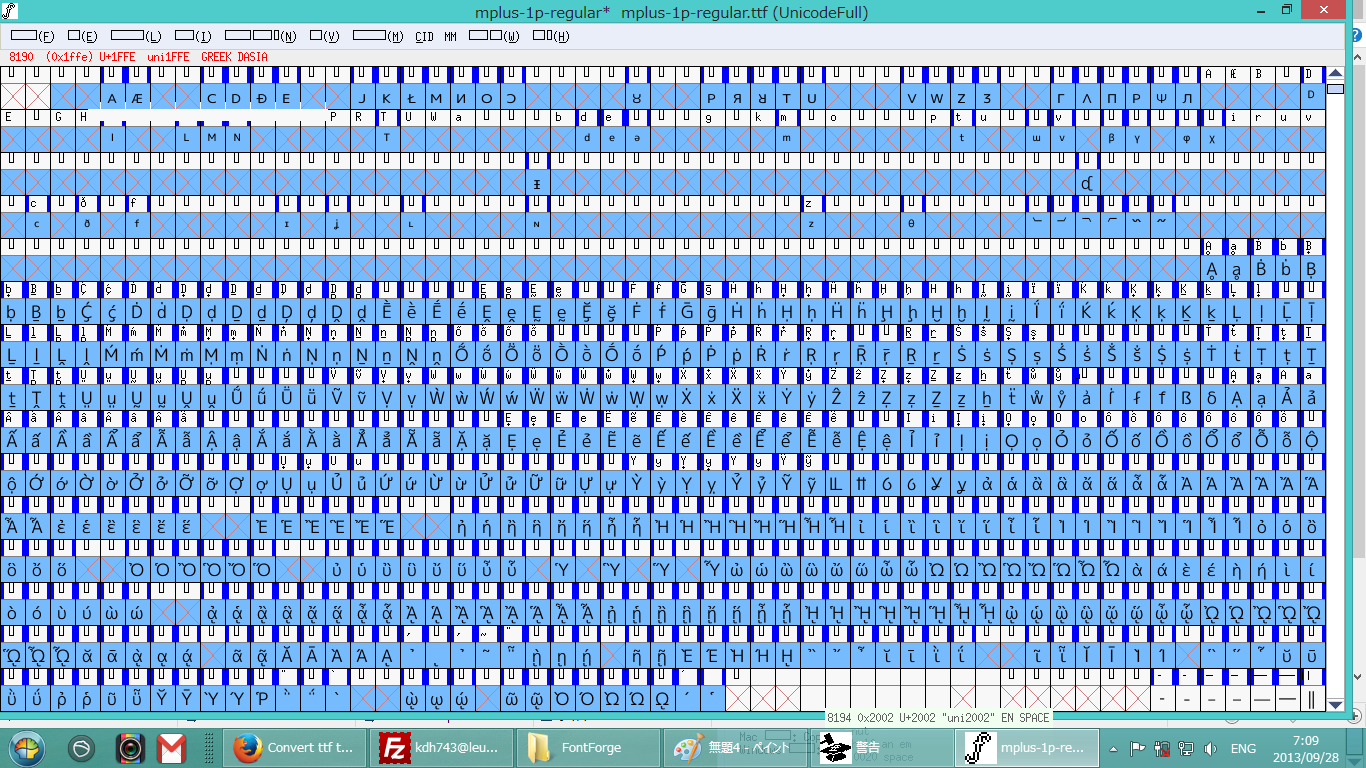
Where on earth are you guys even used? Sorry, but I'm going to have to ask you to disappear.
Once the tedious deleting was done, I also converted the font from ttf to woff. The ttf font I'd been using didn't work in IE, but apparently woff (a web font format based on OpenType) is supported by almost every browser. (This time, though, a few kanji came out broken in Opera.) On top of that, it makes the file smaller too!
http://everythingfonts.com/ttf-to-woff
I used the site above to convert the ttf font to woff without any trouble! Let's take a look at the final result.
mplus-1p-regular.ttf (1.3MB) ⇉ mplus-1p-regular.woff (817kB)
That's a whole 500kB smaller, which is pretty amazing! Now that the font is as small as I can get it, next time I'll try speeding up loading with caching.
More in Blog Tips
See all- Making My WordPress Blog Mobile-Friendly with a Responsive CSS Framework(3)
- How to Use a Japanese Web Font in WordPress with @font-face(4)
- How to Reduce ttf, eot and woff Font File Size(5)
- Chrome User-Agent Switcher: See How Your Site Looks in Other Browsers and on Mobile
- How I Sped Up My WordPress Blog: 9 Things I Tried(5)
Comments 5
와.. 이런 방법은 생각도 못 해봤는데 참신하네요. 마치, 꼭 로딩속도를 향상 시키겠다는 의지가 엄청나게 느껴지네요!
오늘 VPS(가상서버호스팅) 신청해서 시험 끝난 내일부터는 블로그도 제대로 만들고, 재밌는 거(WolframAlpha 같은 거?)도 많이 만들어야겠어요. (vps 1년 치 신청했더니 8만원이 넘더라고요. :cry:)
오오 많은 돈을 투자하시는군요.. 그럼 자주 놀러 가겠습니다!
$xe^{x^2}$ 이 적분 부분적분으로 풀 수 있나요?? 안 되는 게 맞다면 왜 그런지 설명 부탁해도 될까요?^^;
$\int e^{x^2}$은 초등함수로 표현이 안되기 때문에 안됩니다. 이런 류를 error function이라는 함수로 옛날에 이미 만들어 놓았지요. 뭐 답은 바로 $e^{x^2}/2$입니다. 일반적으로 계산은 과정이나 방법보다 결과가 훨씬 중요하기 때문에 굳이 쉬운 길을 가지 않을 필요는 없지요!
답변 감사합니다. 친구가 자꾸 $\int x e^{x^2} dx$를 부분적분으로 풀 수 있다면서 그러길래 물어봤습니다. error function이라고 말해주시니 이제 생각나네요.
$$\int e^{x^2} dx = \frac{1}{2} \sqrt{\pi}\, \mathrm{erfi}(x) + C$$