How to Let Visitors Edit and Delete Their WordPress Comments (Plugin)
Translated from the Korean original. Read the original →
Not long after you start a WordPress blog, you run into a big annoyance with comments: there's no button to edit or delete them. That means anyone who comments without logging in has no control at all over a comment once it's posted. It's basically like


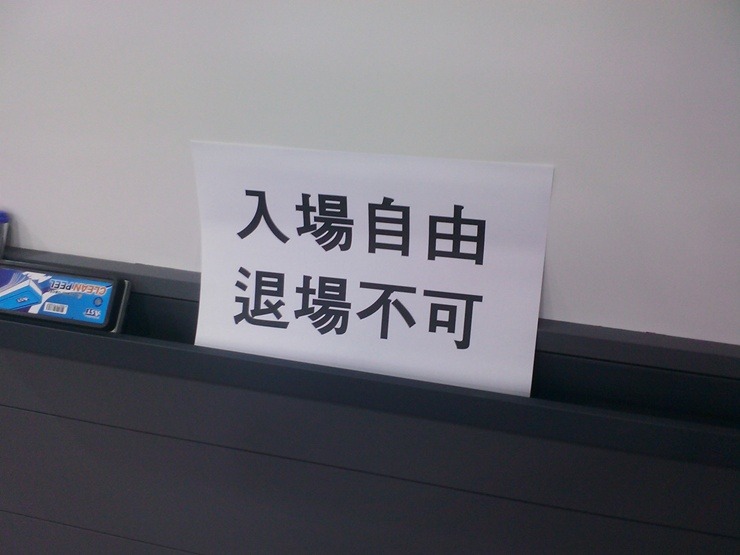

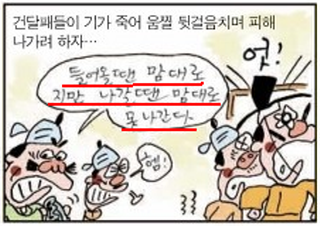
this, right? Ugh...
Anyway, I went ahead and added edit and delete options for comments. If you just search for "comment edit" in the WordPress plugin screen, you'll find quite a few plugins, but I picked a lightweight one with only the bare essentials called Editable Comments .
After installing it, follow the instructions and take the code below
<?php if (class_exists('WPEditableComments')) { WPEditableComments::edit('Edit');} ?>
<?php if (class_exists('WPEditableComments')) { WPEditableComments::delete('Delete');} ?>
and paste it in a suitable spot with some styling, for example right after the comment text in functions.php or comments.php, something like this:
<div class="reply">
<?php comment_reply_link( array_merge(
$args, array( 'reply_text' => __( 'Reply <span>↓</span>', 'twentyeleven' ),
'depth' => $depth, 'max_depth' => $args['max_depth'] ) ) ); ?>

<div style="margin:0; font-size: xx-small; text-align:right;">
<?php if  (class_exists('WPEditableComments')) { WPEditableComments::edit('Modify');} ?>
<?php if (class_exists('WPEditableComments')) { WPEditableComments::delete('Delete');} ?>
</div>

</div><!-- .reply -->
<!-- #comment-## -->
That's it. Now, as you can see below,
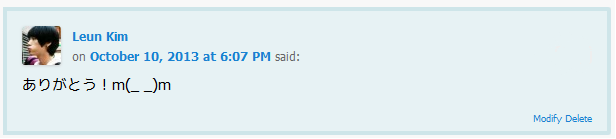
the comments have edit and delete buttons! There's no password feature, of course, so you can only edit a comment if you're connecting from the same IP address you used when you posted it.
Comments 3
좋은 정보 감사합니다!! 이 문제로 프로그램 수정까지 고민하고 있었는데 간단하게 해결 할 수 있을 것 같네요.
도움이 되셨다니 다행입니다. 저는 지금 최근에 코멘트형식을 바꾸느라 당분간 이 플러그인을 비활성화시킨 상태네요 ㅎㅎ.
어떻게 설치하는 건가용..