How to Check Your Camera's Shutter Count (Canon EOSMSG)
Translated from the Korean original. Read the original →
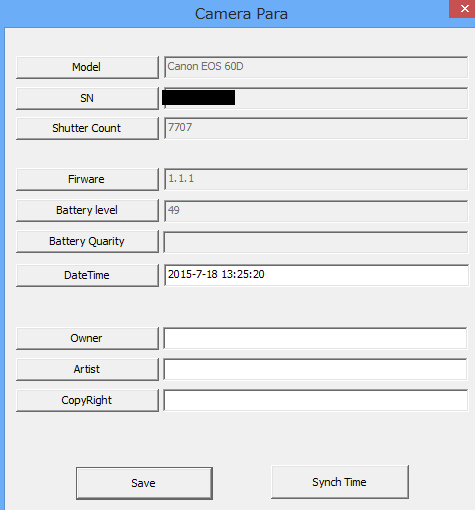
To check a Canon's shutter count, download and install EOSMSG, then connect the camera to your computer with a USB cable, and you'll see the count as in the screenshot above. The program is in Chinese, so the text sometimes shows up garbled. Switching the language to English makes it much easier to use.
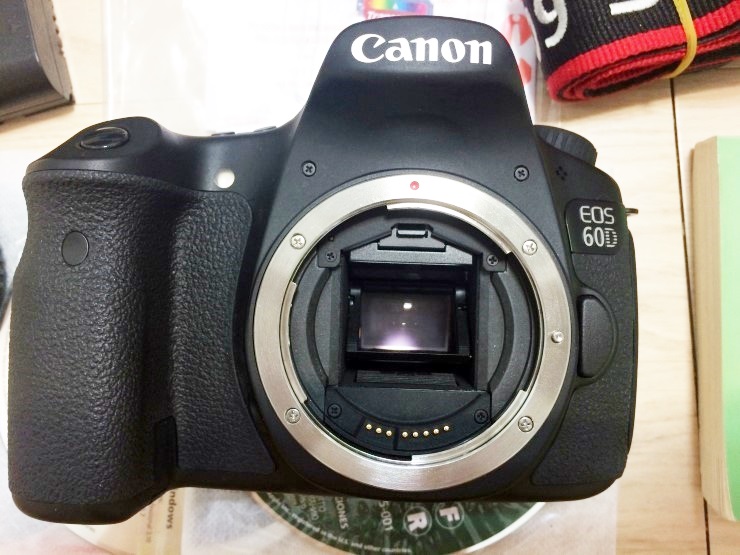
Once a camera's shutter count reaches a certain point, the shutter wears out and the part (the shutter unit) has to be replaced. That lifespan is pretty much "random," though. Taking Canon as an example, entry-level bodies (600D, 650D, 700D, 750D, 760D, 100D, etc.) are "said" to last around 80,000 shots, mid-range bodies (60D, 70D, etc.) around 100,000, and full-frame bodies (5D, etc.) around 200,000. Of course, it also depends on how you use it, how often you shoot bursts, how you store it, and plain "luck." In fact, quite a few people have used a 5D Mark III for close to a million shots without ever replacing the shutter (probably shooting only in indoor studios).
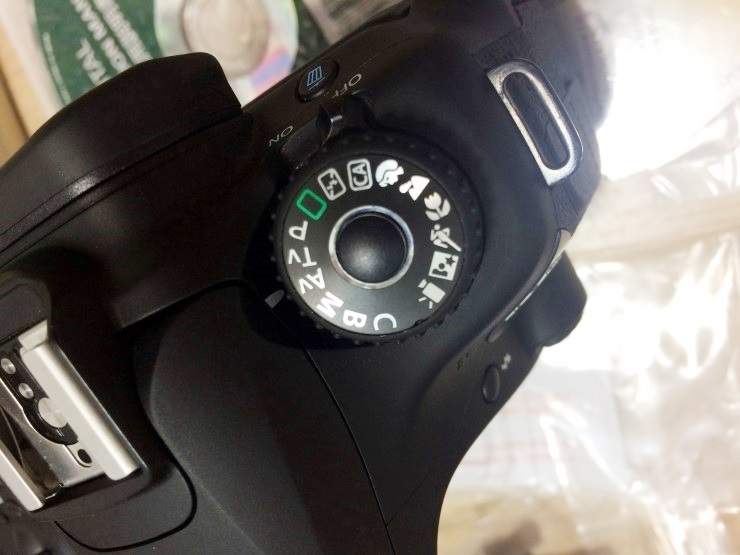
Every once in a while, a so-called "lemon" shows up among the cameras on secondhand marketplaces. If you ask a seller about the shutter count and they say "I'm not really sure," you'll have to accept a bit of risk. It could be a camera from an online shop owner who has put 300,000+ shots on it, or one from a dealer. Then again, it feels a bit awkward to ask someone who doesn't know much about shutter counts, "Could you download EOSMSG and check the count for me?" In that case, you can get a rough idea of how much it's been used from the file numbers. On a Canon, numbering starts at "100-0001," and after 9,999 shots the file is numbered "100-9999." The next shot becomes "101-0001," and after another 10,000 shots it moves on to "102-0001." Most people keep using the same memory card, so if you're meeting in person, you can take a test shot on the spot and get a fair guess from that number. But if someone pops in a new memory card, the numbering starts over at "100-0001," so it's not a very reliable method.
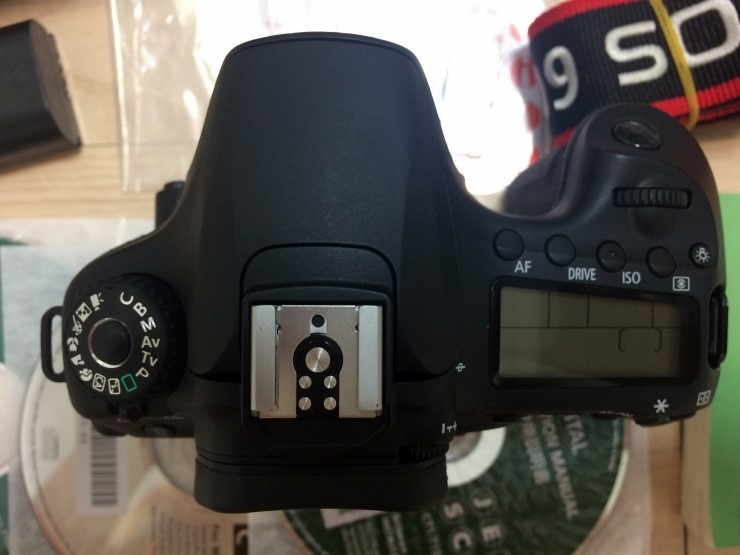
You can also take the camera to a Canon service center to have the shutter count checked, but going there is a hassle, and even they won't give you an exact number. They'll just tell you roughly what percentage of the total lifespan has been used. To be honest, checking with a program like EOSMSG isn't 100% reliable either. But from my own experience using it on Canon bodies, it seems reasonably accurate. If you buy a used camera with around 10,000 shots on it, I'd say you got a pretty good deal...
More in Camera & Lens
See all- Canon PowerShot SX60 HS: A Zoom Camera Made for Spying?
- Sony CX-550 Camcorder Review After Five Years of Use (vs. Canon 70D Video)
- How to Check Your Camera's Shutter Count (Canon EOSMSG)
- Full Frame vs. Crop Sensor (APS-C) Cameras: Pros and Cons(1)
- Canon EF-S 24mm F2.8 STM Pancake Lens Review: Real-World Shots on the 70D
Comments 0